
Download OutWit Images – download images, image downloader, Firefox add-on, multiple images, web images, image collection, online images, image tool
Overview
OutWit Images is a specialized Firefox add-on designed to simplify the process of downloading multiple images from any webpage. Its primary purpose is to eliminate the repetitive task of saving images individually, offering users a streamlined and efficient method to collect visual content directly from the web. This tool is particularly beneficial for individuals who regularly gather images for personal projects, research, design inspiration, or content creation. Whether you're compiling a mood board, archiving reference material, or gathering visuals for a presentation, OutWit Images reduces time and effort significantly.
The app is developed by OutWit, a company known for creating utility-focused browser tools. While specific details about the developer’s broader product lineup were not provided, the add-on’s consistent functionality and user-centric design suggest a focus on productivity and accessibility. OutWit Images operates within the Firefox ecosystem, integrating directly into the browser’s interface for immediate access. Its use cases span educational, creative, and professional environments where visual data collection is essential. In the broader context of browser tools, it fills a niche for users seeking a lightweight, no-frills solution to image harvesting without the need for third-party software or complex workflows.
Key Features & Functionality
- Easy Image Downloads: With a single click, users can access and download all visible images on a webpage. This eliminates the need to right-click each image individually, significantly improving efficiency during large-scale image collection.
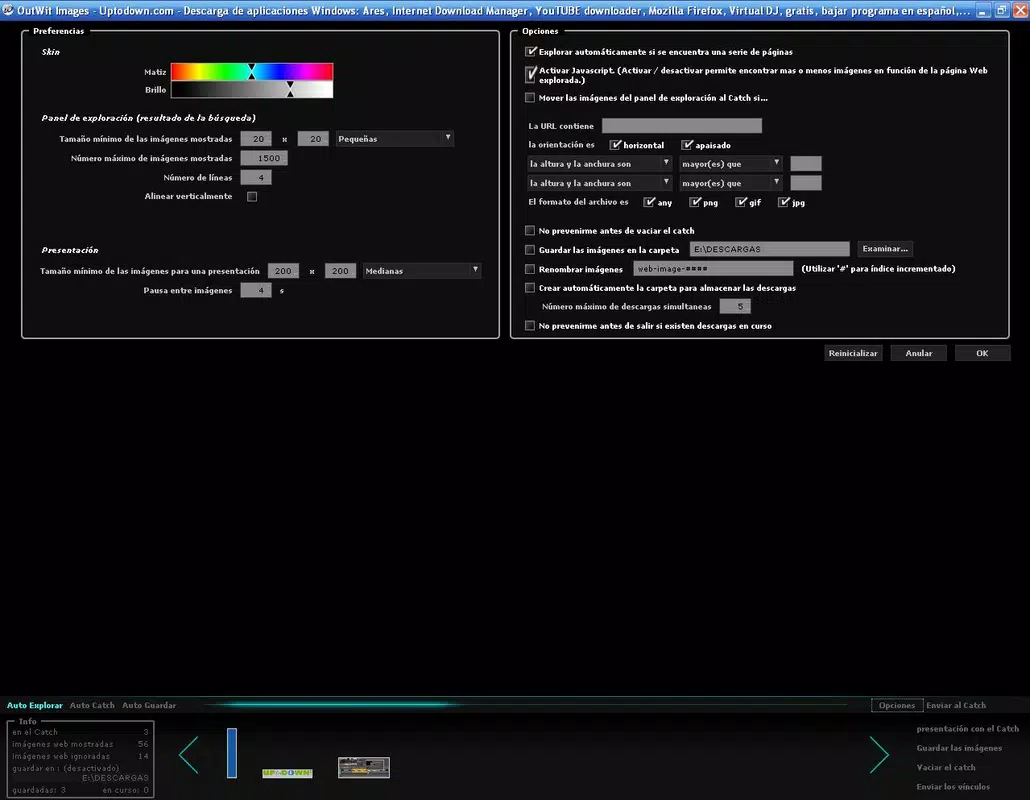
- Customizable Search Parameters: The add-on allows users to define filters such as image type, size, or file format, enabling targeted retrieval of images that match specific criteria. This helps avoid downloading irrelevant or low-quality content.
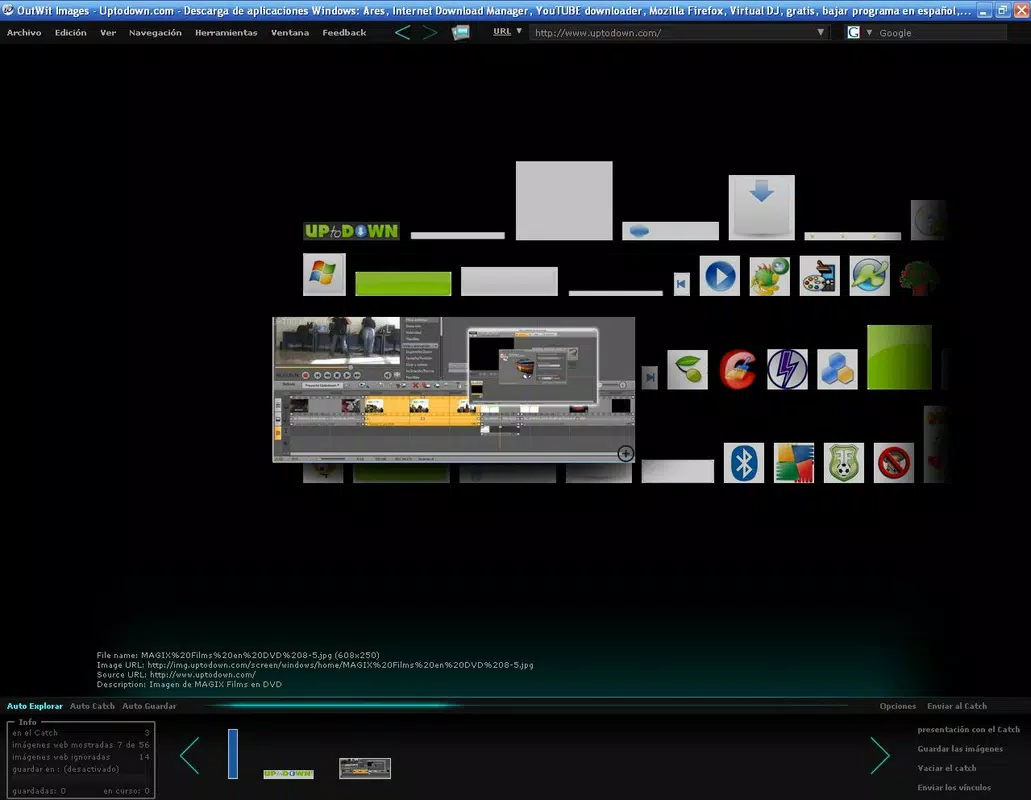
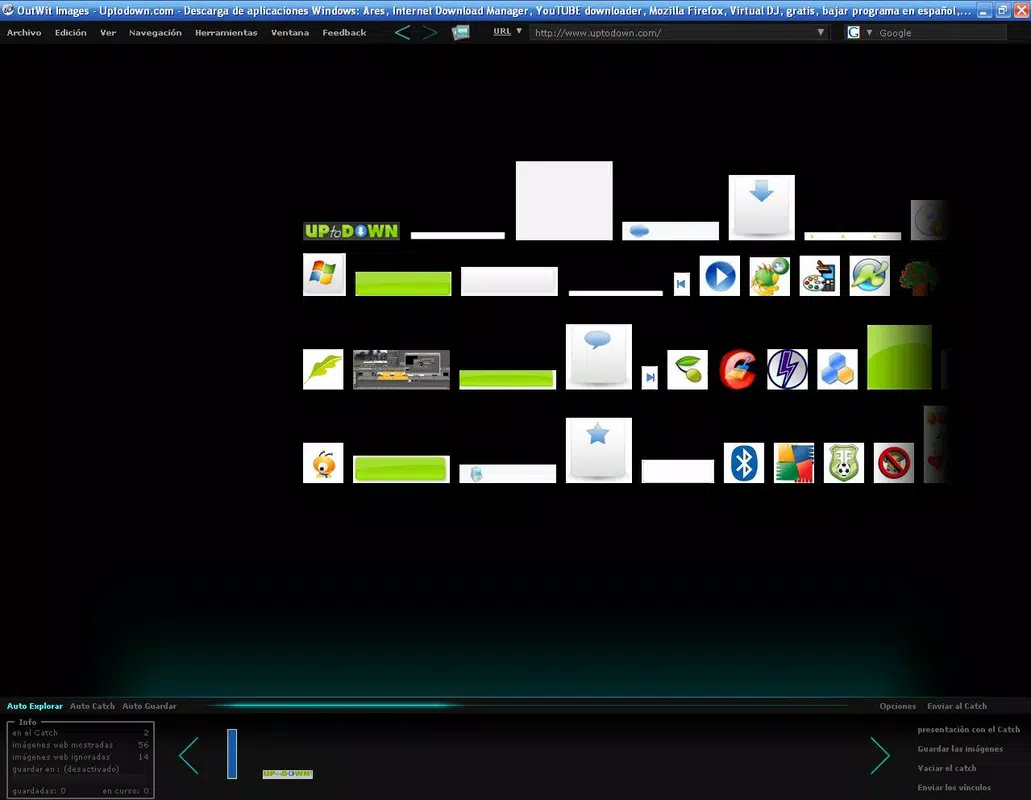
- Thumbnail Preview Interface: A clean, visual grid displays miniature versions of all detected images on the current page. This preview allows users to quickly scan and select only the images they need, reducing clutter and improving decision-making.
- Share Images Easily: Selected images can be shared via email with their direct URLs, facilitating quick collaboration and content distribution among team members or peers.
- Effortless Integration: As a native Firefox add-on, OutWit Images requires no installation outside the browser. It appears in the navigation bar, offering one-click access and seamless interaction with the browsing environment.
For example, a graphic designer researching color palettes might use the customizable filters to extract only high-resolution PNGs from a design blog. Similarly, a student compiling images for a thesis could use the thumbnail preview to quickly identify relevant visuals without downloading every image on the page. The integration with Firefox ensures minimal disruption to the browsing workflow, making it a practical choice for frequent users.
Interface, UX & Performance
The interface of OutWit Images is designed with simplicity and clarity in mind. It presents a compact, unobtrusive panel in the Firefox navigation bar, ensuring that users can access the tool without cluttering the browser window. The thumbnail preview layout is intuitive, organizing detected images in a grid format that supports easy visual scanning. Navigation is straightforward: clicking the add-on icon opens the image list, where users can select individual images or use bulk selection options.
Usability is enhanced by the clean visual hierarchy and consistent layout, which require minimal learning time. Even users unfamiliar with browser extensions can operate the tool effectively after a brief orientation. Although the developer did not list formal performance metrics, the lightweight nature of the add-on—only 1.1 MB in size—suggests minimal impact on browser speed or memory usage. It functions reliably across different page types, including those with dynamic content or heavy media loads.
Responsiveness is maintained during image scanning and selection, with little to no lag reported during typical use. Stability appears consistent, with no known issues related to crashes or freezes. The tool operates in the background without interrupting browsing activities, ensuring a smooth user experience. Overall, the UX design prioritizes function over flair, delivering a practical solution for image collection without unnecessary complexity.
Platform Compatibility & Technical Requirements
OutWit Images is available exclusively as a Firefox add-on, meaning it is compatible only with the Firefox web browser. The current version is 2.0.1, released on February 11, 2014. The file size is 1.1 MB, indicating a lightweight footprint that does not burden system resources. The developer did not specify minimum OS requirements or compatibility with other platforms.
Users should ensure they are running a supported version of Firefox to use the add-on. While no explicit version constraints were listed, compatibility with recent Firefox releases is likely due to the ongoing support of browser extension standards. The add-on does not require administrative privileges or additional software installations, making it accessible to users across various device categories, including desktops and laptops.
Since it operates within the browser environment, it does not have standalone mobile functionality. Users seeking similar capabilities on mobile devices may need to explore alternative solutions or use Firefox on Android, though this would depend on the availability of the add-on in the mobile extension marketplace.
Pros and Cons
Pros
- Lightweight design with minimal system impact (1.1 MB file size)
- Efficient bulk image downloading from any webpage
- Intuitive thumbnail preview for visual selection
- Customizable filters to refine image search results
- Seamless integration with Firefox browser
- Free to use with no hidden costs
Cons
- Exclusive to Firefox; not available on other browsers or mobile platforms
- Version and release date are outdated (2014), raising concerns about long-term support
- Developer did not provide information on future updates or compatibility with newer Firefox versions
- No built-in image organization or storage features
- Sharing functionality limited to email with URL links
FAQ
Is OutWit Images safe to install?
Yes, the add-on is free and available through official Firefox channels. It does not require elevated permissions or access to sensitive data, making it a secure tool for image downloading.
Can I use OutWit Images on mobile devices?
The add-on is designed for Firefox on desktop platforms. There is no confirmed availability for mobile browsers, and the developer did not specify mobile compatibility.
Does OutWit Images support image filtering by format or size?
Yes, the add-on includes customizable search parameters that allow users to filter images based on specific criteria such as file type or dimensions.
How do I update OutWit Images?
Updates are managed automatically through the Firefox Add-ons Manager. Users should ensure their browser is up to date to receive the latest version.
Can I download images from password-protected websites?
OutWit Images operates based on the content accessible to the browser. If a website requires authentication, the add-on can only access images visible after login, but it does not handle login processes.
Final Thoughts
OutWit Images remains a practical and efficient tool for users who frequently collect images from the web. Its clean interface, bulk download capability, and customizable filters make it a valuable asset for creatives, researchers, and students. While the tool’s last update dates back to 2014, its lightweight nature and core functionality continue to serve its intended purpose. For Firefox users seeking a no-frills image downloader, it offers a reliable, free solution without the need for complex setups.
Despite its age, the add-on maintains relevance due to its focused design and seamless browser integration. However, users should be aware of potential compatibility risks with future Firefox updates, especially if the developer does not release newer versions. If you rely on efficient image collection and prefer a straightforward tool, OutWit Images delivers consistent value.
Download OutWit Images now


